Pearson (via HumanX) · 2022
Pearson Quick AuthorDesigning the tool authors use to build Pearson's E-Library
UI implementation for the content-authoring tool that publishes books into Pearson E-Library: the digital learning solution Pearson uses to deliver personalized coursebooks across devices.
- Role
- UI implementation
- Client
- Pearson (via HumanX)
- Timeline
- 2 months, 2022
Context
- The problem: Pearson’s subject-matter experts and content team needed one tool to create, enrich, review and publish a book in E-Library.
- What I did: working from my team lead’s wireframes and design system, I built the UI for every screen a book passes through, then ran design-vs-dev QA.
- The goal: what shipped in code matched the design files.
Pearson E-Library is Pearson’s digital learning solution: learners open their coursebooks anywhere, on any device. Quick Author is the tool behind it, where subject-matter experts and Pearson’s content team create a book, enrich it, review it and publish it. Working under my team lead at HumanX, who owned the wireframes and the design system, I implemented the UI across the whole workflow.
Read the full storyShow less
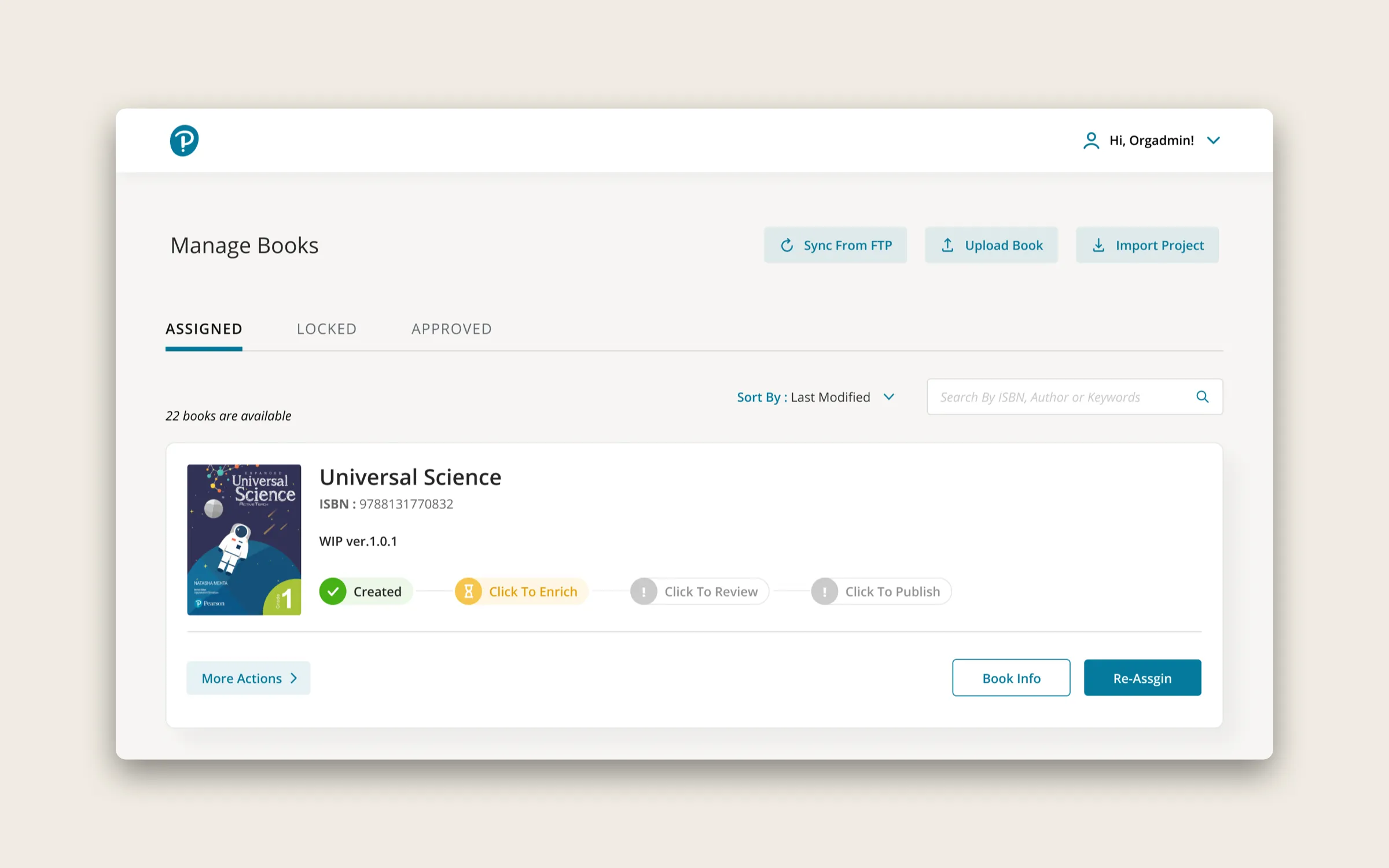
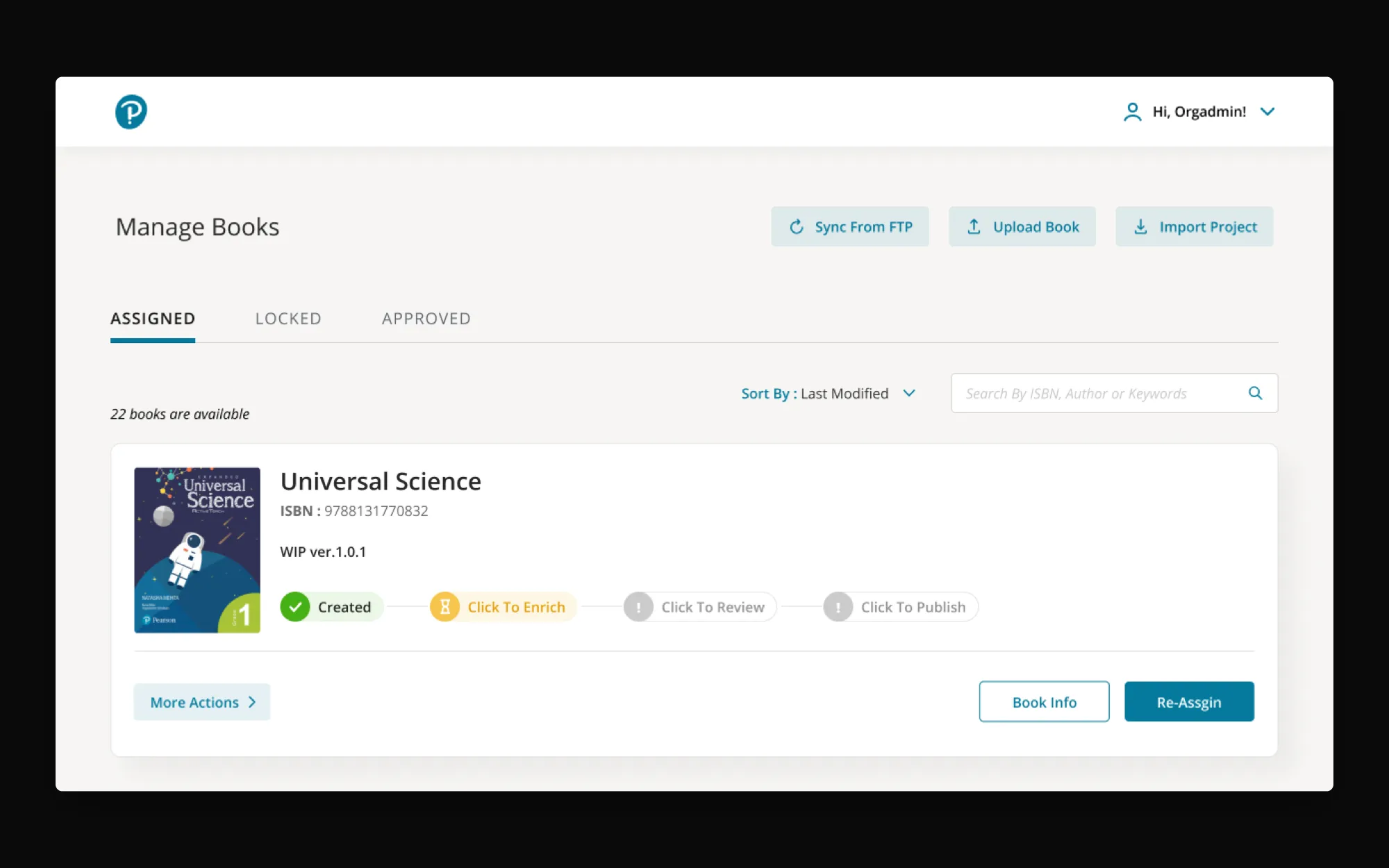
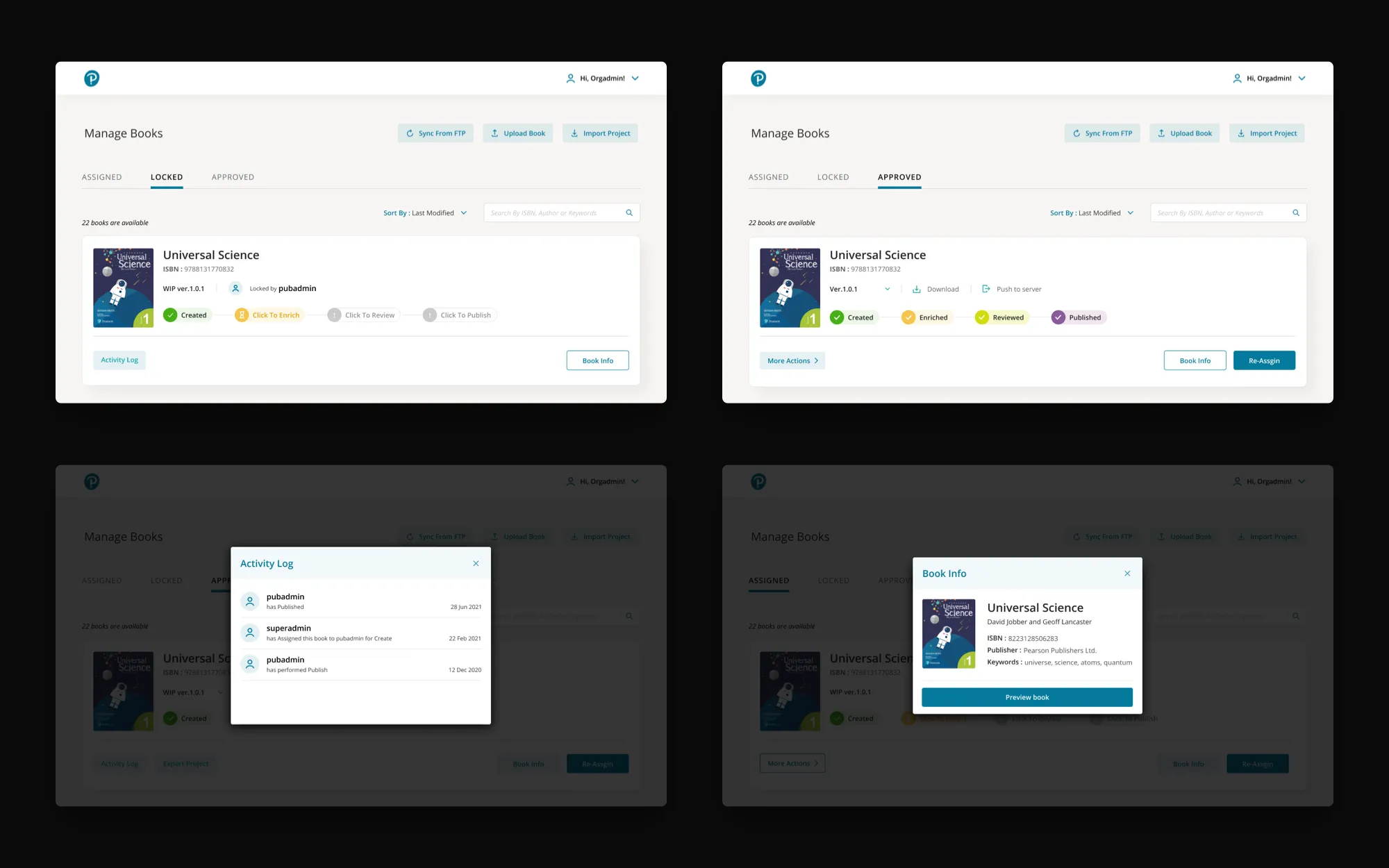
Every book moves through the same stages, and the tool is organised around them. The library splits books into Assigned, Locked and Approved. Each book card shows where it has got to: Created, then Enrich, Review and Publish.
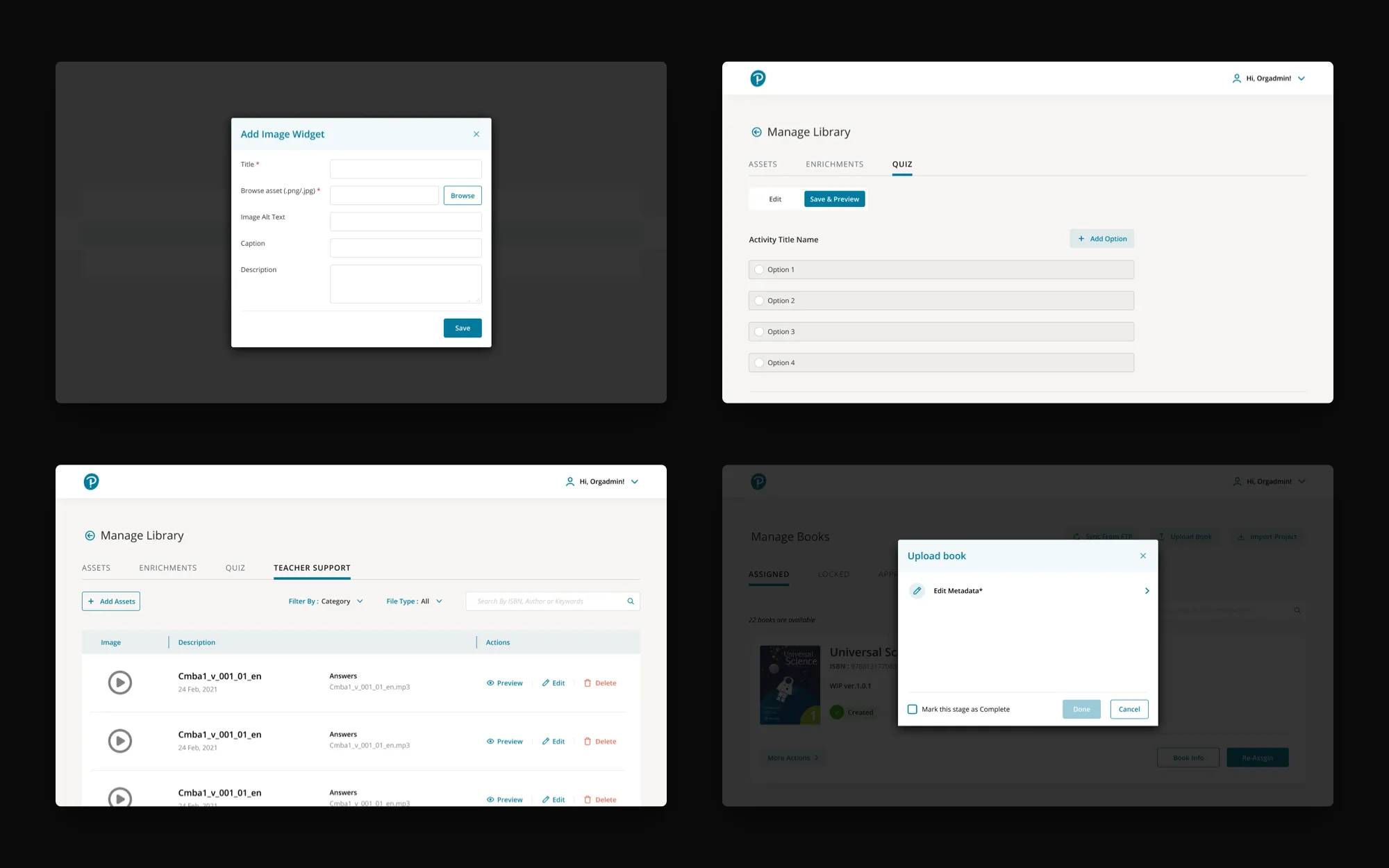
Enrichment is where most of the work happens: adding assets, image and media widgets, quizzes built from templates such as multiple choice and fill-in-the-blanks, and teacher support material like answer keys.
What I owned
- UI implementation across every screen in the workflow, from the library through Create, Enrich, Review and Publish.
- Design-vs-dev QA for the handover to engineering.
- The icon set: consistent stroke, grid and categories, in light and dark.
Results
The UI for every screen a book passes through on its way into Pearson E-Library, from upload to publish, handed over with design-vs-dev QA so what shipped matched the files.
Credits
- Design direction, wireframes, design system: the team lead at HumanX I worked under
- UI implementation: myself
- Client: Pearson (Quick Author, the authoring layer behind Pearson E-Library)